
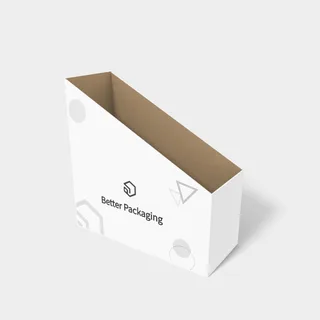
 display boxes bottom buckles mockup 171490202 × 82 × 201 mm
1,403 Box Mockups
1–40 of 1,403 mockupsdisplay boxes bottom buckles mockup 171490202 × 82 × 201 mm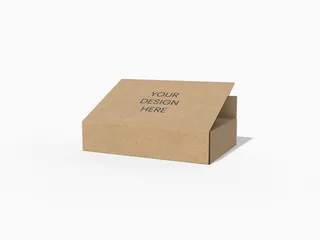 Envelope box with dust flap mockup302 × 202 × 62 mm
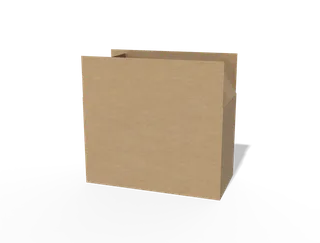 FEFCO 0202 cartons international standard mockup434 × 214 × 278 mm
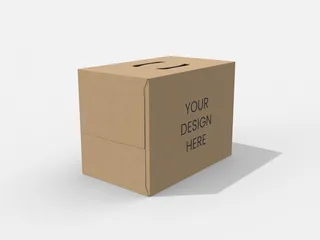 Folio handle carton mockup 200103264 × 162 × 192 mm
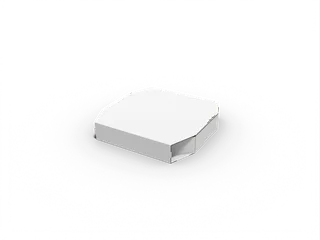 hexagonal zipper flap boxes overlap mockup 158070305 × 303.5 × 52 mm
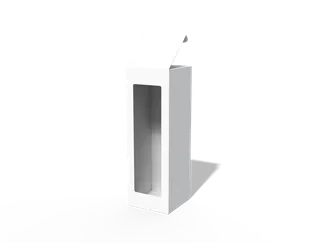 Macaron box mockup60 × 60 × 180 mm
 mockup 110422121.6 × 40.6 × 81.1 mm
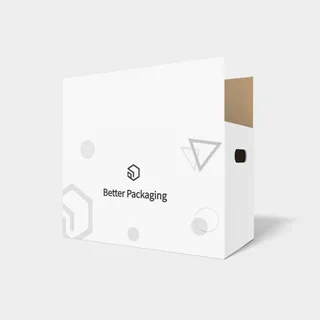 0202 cartons portable holes mockup 200022434 × 214 × 278 mm
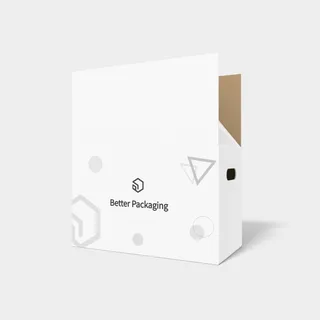 0203 cartons portable holes mockup 200032434 × 214 × 282 mm
 10 g plastic box package mockup43 × 43 mm label
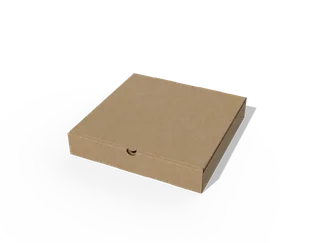 10 in Square pizza box mockup260 × 260 × 45 mm
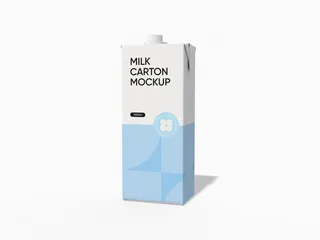 1000ml juice carton milk carton mockup83 × 60 × 201 mm
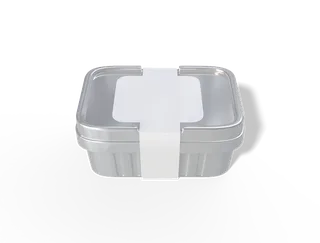 110 ml plastic box with lid mockup56 × 220 mm label
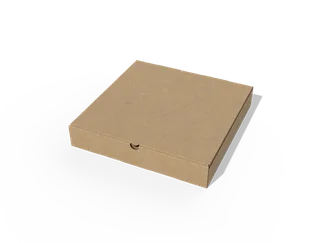 12 in Pizza box mockup300 × 300 × 50 mm
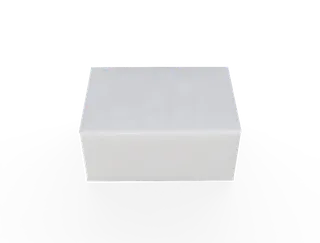 14 × 10 × 7 square napskin tissue box mockup135 × 100 × 65 mm
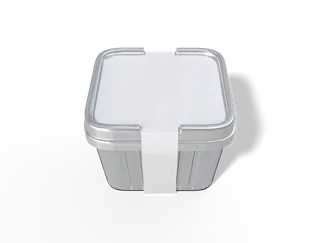 150 ml plastic square box mockup85 × 290 mm label
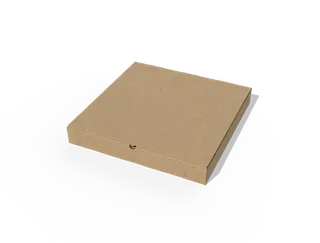 16 in pizza box mockup410 × 410 × 55 mm
 17 × 10 × 7 wet wipes pouch mockup170 × 100 × 70 mm
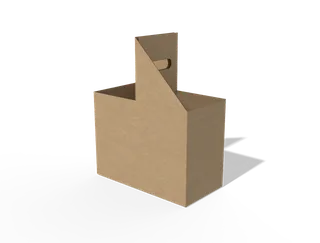 2-pack carrier display box with handle mockup202 × 102 × 152.5 mm
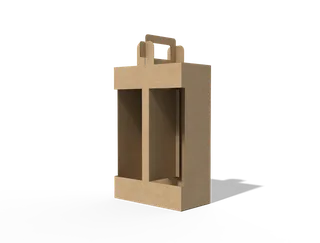 2-pack carrier display box with handle mockup202 × 102 × 305 mm
 20 g plastic box mockup54 × 54 mm label
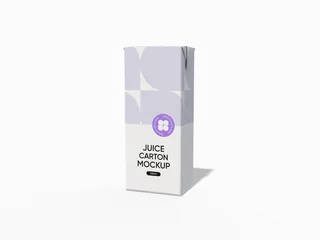 200ml juice carton mockup50 × 36 × 120 mm
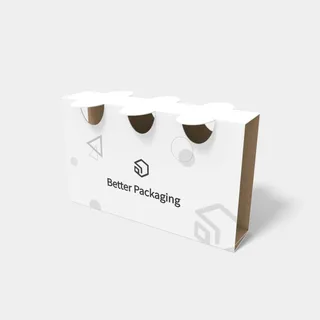 3-hole snap lock sleeve mockup250 × 50 × 151 mm
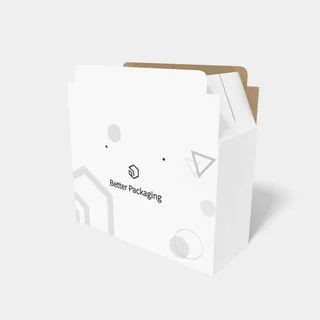 3-lock shipping box mockup302 × 122 × 205 mm
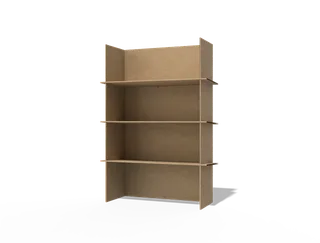 3-tier cardboard product display mockup504 × 204 × 804 mm
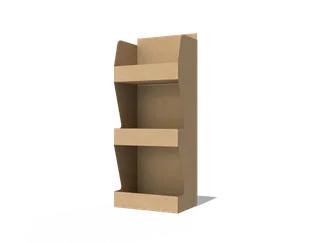 3-tier product display stand mockup150 × 100 × 300 mm
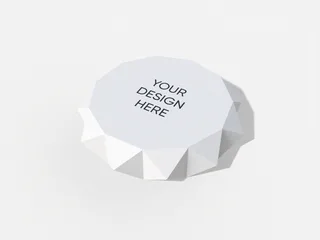 3D Star box mockup70 × 283.17 × 30 mm
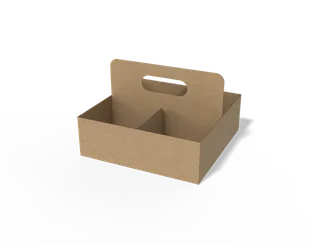 4-pack carrier display tray box with handle mockup300 × 300 × 100 mm
 5 g plastic box mockup46 × 46 mm label
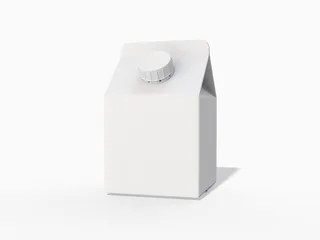 500ml milk box mockup370 × 199 mm label
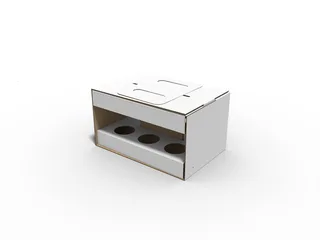 6 botttles carrier box with handle inserts handle mockup 310300222 × 152 × 125 mm
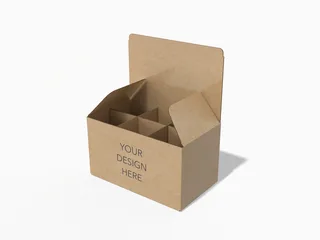 6-pack carrier box mockup350 × 200 × 200 mm
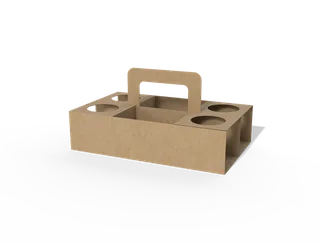 6-pack carrier box mockup250 × 152 × 62 mm
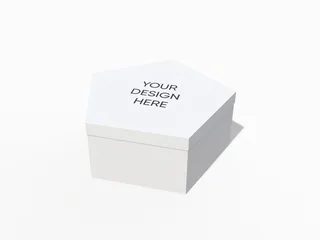 6-sided box with lid mockup180 × 727.46 × 180 mm
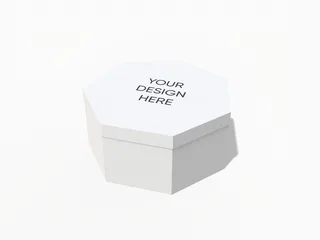 7-sided box with lid mockup180 × 740.53 × 180 mm
 8 × 9 × 5 plastic dip yogurt box mockup79 × 92 mm label
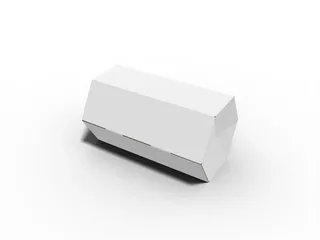 8 sides polygonal box paper mockup 18903082 × 595.75 × 262 mm
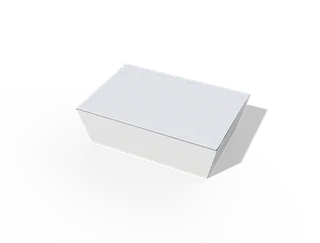 Adhesive boxes flip top tuck front box mockup 152030150 × 100 × 50 mm
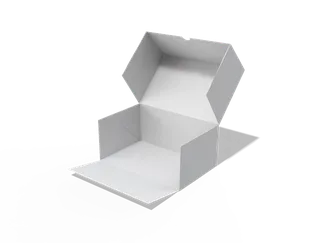 Adhesive flip-top cake box mockup160 × 100 × 70 mm
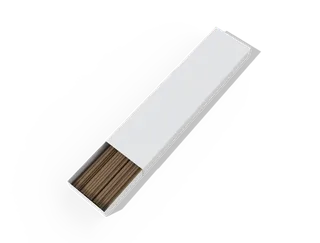 Agabatti box mockup328.12 × 315 mm label
See the material in 3D
Inspect a carton as a folded object, with artwork, material, and lighting visible together. Surface roughness changes how highlights read across the panels and edges. A rendered view helps you compare design directions; confirm the structure, stock, and production finish with your printer before manufacture.
How the rendering works →MADE WITH CRAFTYWAND STUDIO
Build a presentation around the whole package.
A carton has more than one face. Explore the front, side panels and opening so the design reads as one object, from first impression to the smallest detail.
Try this model in StudioHow to create a box mockup
01Choose the structure
Find the carton, mailer or display shape that suits the product. Check the model dimensions and opening style before moving into Studio.
 02
Design across the panels
Place the artwork on the available surfaces. Keep important text clear of folds and panel edges, and inspect how colors and graphics meet at the corners.
 03
Review the finished form
Rotate the folded package to check its proportions. Use the available folding controls on supported models, then save and export the view you need.
A CLOSER LOOK
See the design turn the corner.
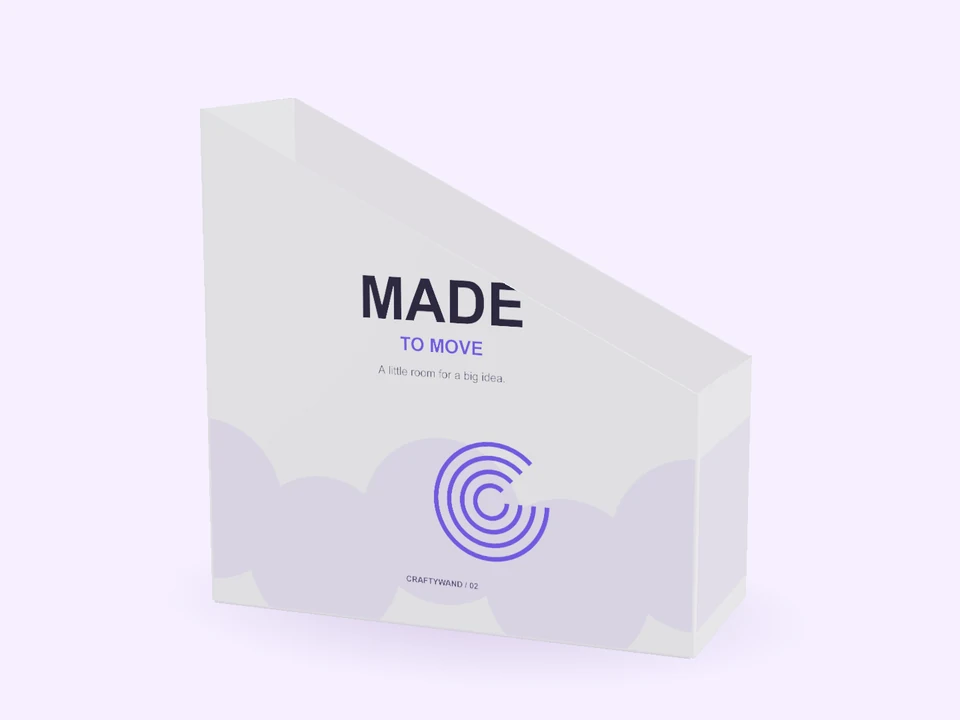
The MADE TO MOVE study uses a real folded display box. Changing the viewing angle reveals the side walls, opening and depth that a flat design cannot show.
Explore the modelFROM ARTWORK TO OBJECT
Make room for the small decisions.
Review the panel hierarchy, the space around a logo and the way a graphic continues across an edge. A clear close-up can make a design review more useful than a single distant image.
Find a shape for your next idea
Your questions, answered
Which box should I start with?
Choose the structure and proportions closest to the intended package. The catalogue groups boxes by model type to help narrow the search.
Can every box fold or change size?
Controls depend on the selected model. Check its detail page and Studio controls rather than assuming every structure supports the same adjustments.
Is the 3D preview ready for manufacturing?
Use it to communicate the design. Confirm dimensions, dieline, stock, bleed and finishing with the printer before production.
MAKE IT YOURS